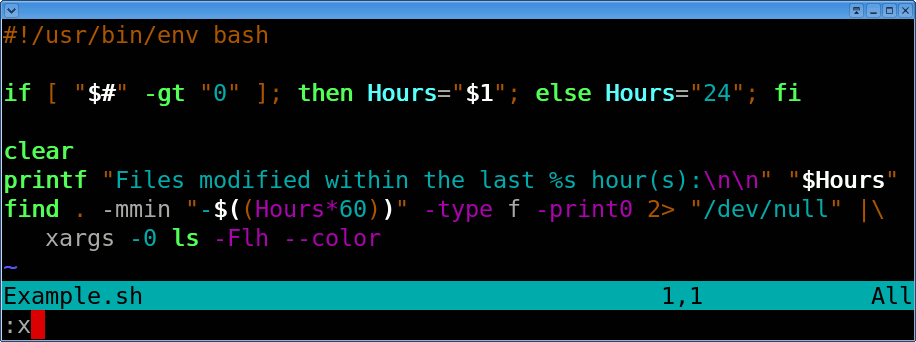
Following steps are required to write shell script:
3. Execute your script as
- Use any editor like vi or mcedit to write shell script.
- After writing shell script set execute permission for your script as follows
syntax:
chmod permission your-script-name
Examples:
$ chmod +x your-script-name
$ chmod 755 your-script-name
Note: This will set read write execute(7) permission for owner, for group and other permission is read and execute only(5).
chmod permission your-script-name
Examples:
$ chmod +x your-script-name
$ chmod 755 your-script-name
Note: This will set read write execute(7) permission for owner, for group and other permission is read and execute only(5).
3. Execute your script as
syntax:
bash your-script-name
sh your-script-name
./your-script-name
Examples:
$ bash bar
$ sh bar
$ ./bar
NOTE: In the last syntax ./ means current directory, But only . (dot) means execute given command file in current shell without starting the new copy of shell, The syntax for . (dot) command is as follows
bash your-script-name
sh your-script-name
./your-script-name
Examples:
$ bash bar
$ sh bar
$ ./bar
NOTE: In the last syntax ./ means current directory, But only . (dot) means execute given command file in current shell without starting the new copy of shell, The syntax for . (dot) command is as follows
Syntax:
. command-name
Example:
$ . foo
. command-name
Example:
$ . foo
Now you are ready to write first shell script that will print "Hello World" on screen (As we do it all programming languages; I always wonder why?? :P) See the common vi command list , if you are new to vi
After saving the above script, you can run the script as follows:
$ ./first
This will not run script since we have not set execute permission for our script first; to do this type command
$ chmod 755 first
$ ./first
First screen will be cleared, then Hello World is printed on screen.
Let me know if you need more details or explanation on any particular topics in Shell scritping.